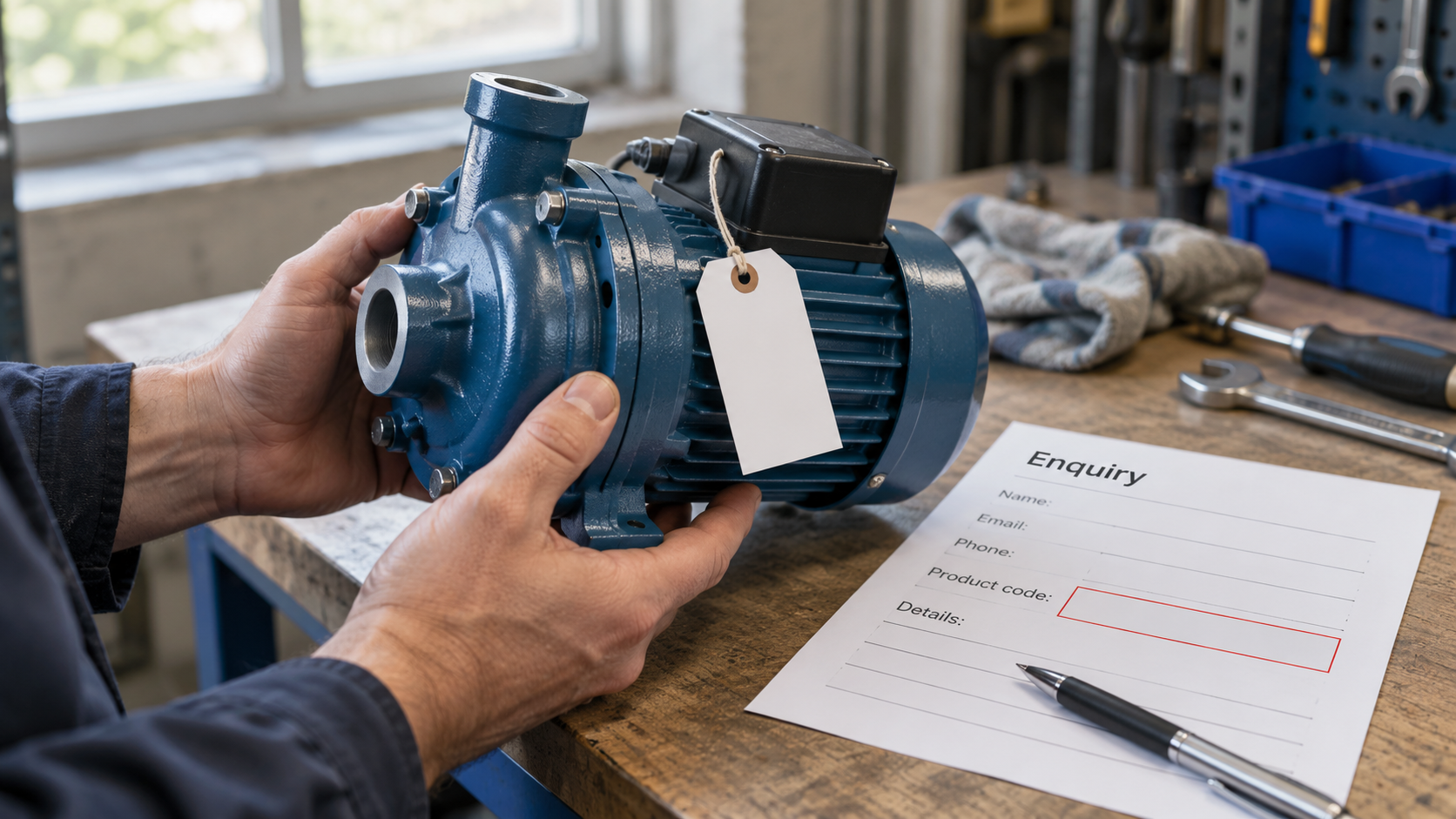
A customer wants help choosing a replacement pump. The enquiry form requires a product code. The reason for contacting the business is that the customer does not know which product they need.
The required field is understandable from the team's point of view: a code makes an enquiry easier to process. From the customer's point of view, it can make the request impossible to submit honestly. Some will leave; others will type a guess that sends the conversation in the wrong direction.
Separate known information from desired information
Read each field as a new customer. Can the person reasonably know the answer at this stage? Is the detail necessary to receive the request, or can it be established during a reply?
For the pump example, the existing equipment model, a description of the problem or an optional photograph might be more useful than a required replacement code. The form should explain where a model identifier can be found and allow the customer to say when it is unavailable.
Do not ask for a photograph merely because uploading is possible. State its purpose, accept only suitable files through a secure process and avoid requesting unnecessary personal information.
Give uncertainty a legitimate place
“Not sure” can be a useful answer when it is genuine. It helps the receiving team distinguish missing knowledge from an accidentally empty field.
A required choice with no suitable option produces misleading data. Where circumstances vary, provide a route for the visitor to explain the request in their own words. Keep that route bounded and easy to find.
Preserve the information needed to reply
Simplifying a form does not mean removing every question. A working reply address, the nature of the request and any essential service boundary can prevent wasted exchanges.
Review the form with the people answering it. Ask which details actually change the first response, which are often supplied incorrectly and which can be obtained later. Their experience is more useful than judging fields only by their completion rates.
Turn the first reply into a form review
Collect a few recurring clarifying questions from the team answering the form. For each, ask whether the customer could reasonably have supplied the answer at the start and whether a clearer prompt would have helped.
The pump supplier might regularly ask which equipment the part belongs to. A short prompt with an example of where to find the model could help. If the team instead needs an expert assessment of wear, that is probably a conversation to have after contact rather than a required field for the customer to diagnose.
Keep the difference visible in the form design. A factual identifier, an approximate description and a specialist judgement are not equivalent kinds of information. The field should request the kind the visitor can provide.
This review can produce a better form without making it universally shorter. One useful question may replace two ambiguous ones, while an essential reply detail remains. Judge the change by whether it prepares an answerable request.
Test the uncomfortable cases
Try the form without a product code, with an unfamiliar model and on a small screen. Read the error messages and confirm that previously entered text survives a correction.
An enquiry form should open a useful conversation. Its questions are strongest when they help the visitor describe the problem, rather than requiring them to solve it before they are allowed to ask.

A thought worth keeping?